
From Clomosy Docs
! To start using the Clomosy application, you can install and create your projects by following the steps below.
We need to download the application from the application markets.
Google Play Store: Clomosy CRM
App Store: Clomosy CRM
After downloading the application, the Login screen below appears. Click on the Register button here.
Fill in the relevant fields on the Register screen below and click the register button to create a user account.
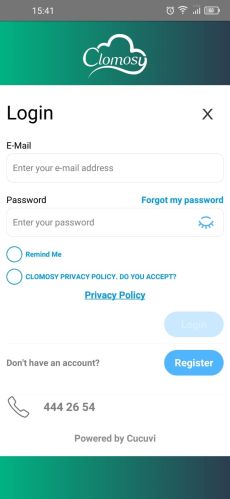
Mobile Login Screen
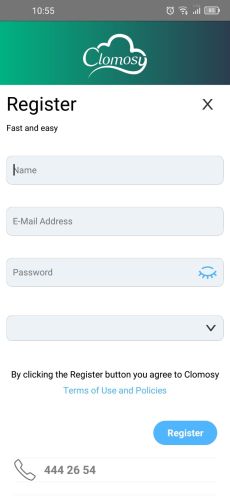
Mobil Register Screen


